
Ever feel like you’re herding cats? That’s what managing projects can feel like if you don’t have the right tools. Emails overflowing, tasks slipping through the cracks, and team members working in silos – it’s a recipe for missed deadlines, budget overruns, and a whole lot of stress.
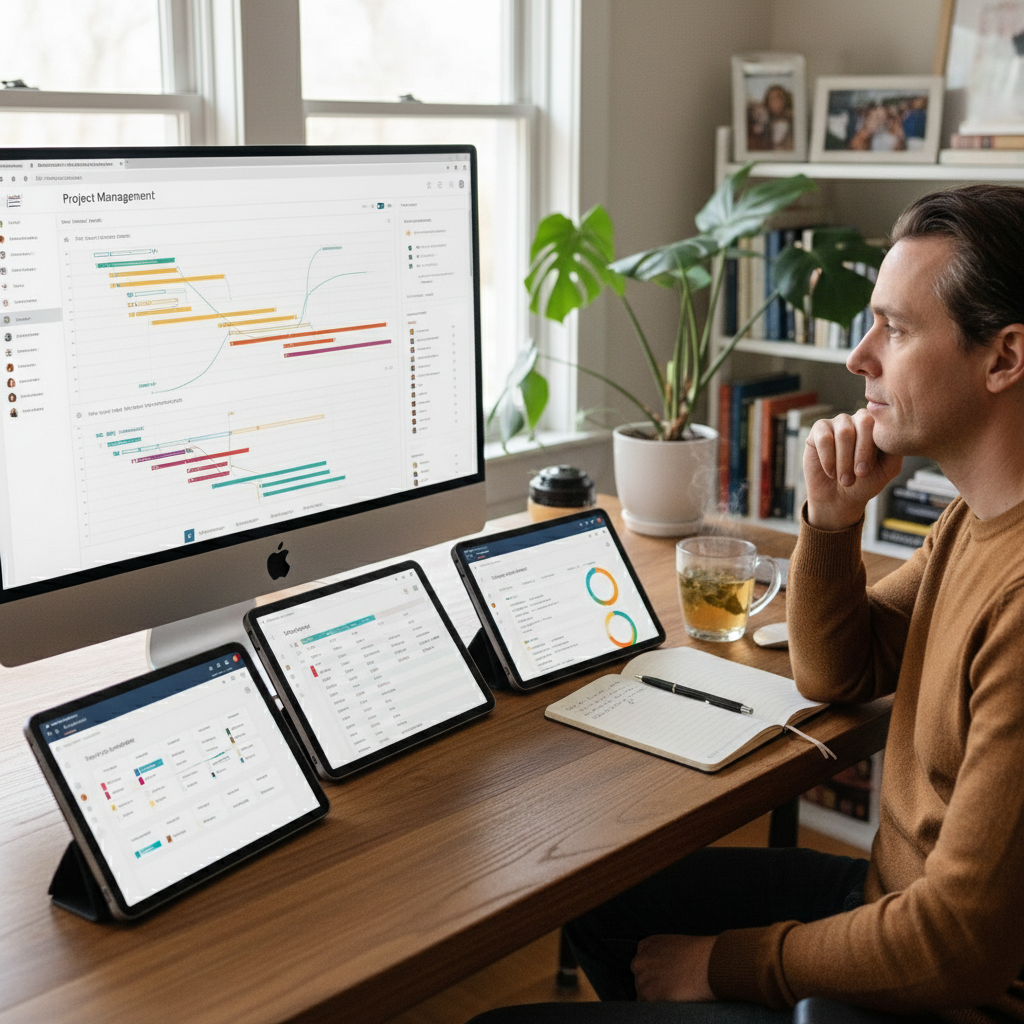 But here’s the good news: the right project management software can be a game-changer. It can bring order to the chaos, boost collaboration, and help you actually *enjoy* managing projects. But with so many options out there, how do you choose the one that’s right for *you*? That’s what we’re going to dive into.
Why Choosing the Right Project Management Software Matters
Let’s be real: project management software isn’t just a “nice-to-have” anymore. In today’s fast-paced world, it’s a necessity. Here’s why getting it right is crucial:
* **Improved Efficiency:** Centralized task management, automated workflows, and streamlined communication save you precious time and effort.
* **Enhanced Collaboration:** Easy file sharing, real-time updates, and built-in communication tools keep everyone on the same page, no matter where they are.
* **Better Visibility:** Dashboards, reports, and progress tracking give you a clear view of how your projects are performing, so you can spot problems early and make data-driven decisions.
* **Reduced Stress:** When you have a system in place, you’re less likely to feel overwhelmed and more likely to actually deliver on time.
But here’s a common mistake: thinking that more features automatically equal better results. It’s not about the software with the most bells and whistles; it’s about the software that fits *your* specific needs and the way *your* team works.
How Project Management Software Works: The Core Components
Project management software comes in all shapes and sizes, but they all share some core features:
* **Task Management:** Creating, assigning, and tracking tasks is the heart of any PM tool. Look for features like task dependencies, due dates, and priority settings.
* **Project Planning & Timelines:** Visualize your project with Gantt charts, Kanban boards, or calendar views to manage deadlines and track progress.
* **Collaboration & Communication:** Built-in chat, file sharing, and commenting features facilitate seamless communication and feedback.
* **Resource Management:** Track team capacity, allocate resources effectively, and avoid burnout.
* **Reporting & Analytics:** Generate reports to track progress, measure performance, and identify potential risks.
Who Is It For?
Project management software isn’t just for big corporations with complex projects. It’s incredibly valuable for:
* **Small Businesses:** Streamline operations, improve team communication, and stay organized.
* **Marketing Teams:** Manage campaigns, track deadlines, and collaborate on creative projects.
* **Software Development Teams:** Utilize Agile methodologies, manage sprints, and track code releases.
* **Remote Teams:** Centralized communication and task management are essential for keeping remote teams connected and productive.
Common Mistakes to Avoid When Choosing Project Management Software
Choosing the wrong project management software can be a costly mistake. Here are some pitfalls to avoid:
* **Falling for Feature Overload:** Don’t get blinded by a long list of features you’ll never use. Focus on the core functionality that addresses your specific needs.
* **Ignoring User Adoption:** The best software is useless if your team doesn’t use it. Choose a tool that’s easy to learn, intuitive to use, and integrates with your existing workflows.
* **Underestimating the Importance of Integrations:** Make sure the software integrates seamlessly with the other tools you already use, such as your CRM, communication platforms, and file-sharing services.
* **Not Considering Scalability:** Choose software that can grow with your business. Consider how many users you’ll need, and whether the software can handle increasing project complexity.
* **Focusing Only on Price:** Free options can be tempting, but they often lack the features and support you need for serious project management. Don’t automatically assume the cheapest option is the best.
Myth Busting: Common Misconceptions About Project Management Software
Let’s clear up some common myths:
* **Myth:** “Free software is good enough.”
* **Reality:** Free options often have limited features, storage, and support. For serious projects, you’ll likely need to pay for a more robust solution.
* **Myth:** “More tools = better results.”
* **Reality:** Having too many tools can create confusion and make it harder to manage your projects. Choose one or two tools that meet your core needs and integrate well.
* **Myth:** “Project management software is only for tech-savvy people.”
* **Reality:** Many user-friendly options are designed to be easy to learn and use, even for non-technical users.
* **Myth:** “It takes too long to set up and implement.”
* **Reality:** While some software requires more setup than others, many platforms offer templates and pre-built workflows to get you up and running quickly.
Realistic Outcomes and Time Expectations
So, what can you realistically expect when you implement project management software?
* **Improved Efficiency:** Expect to see a boost in efficiency as you streamline your workflows and automate repetitive tasks.
* **Better Communication:** Communication should improve because everything is in one place, which means less time chasing down information and more time actually *doing* the work.
* **Increased Productivity:** Your team should become more productive as they can focus on their tasks rather than managing chaos.
* **Faster Project Delivery:** With better organization and fewer roadblocks, you can expect to deliver projects faster.
**Time Expectations:**
* **Choosing Software:** Expect to spend a few weeks researching and evaluating different options.
* **Implementation:** The setup process can vary, but plan for a few days to a few weeks, depending on the complexity of the software and your team’s needs.
* **Training:** Provide adequate training to your team to ensure they know how to use the software effectively.
* **Seeing Results:** Expect to see improvements in the first few months. The full benefits may take longer to realize as your team gets comfortable with the new system.
Project Management Software in 2026: What’s New?
The project management landscape is always evolving. Here’s what’s new and important in 2026:
* **AI-Powered Features:** AI is being integrated into project management software to automate tasks, provide insights, and improve efficiency. Look for features like AI-powered task prioritization, smart suggestions, and automated reporting.
* **Increased Focus on User Experience:** Software developers are prioritizing user-friendliness and intuitive interfaces. Easy-to-use software drives adoption and makes it easier for your team to get the most out of the tool.
* **More Integrations:** Seamless integrations with other business tools are becoming even more critical. Make sure your chosen software integrates with the tools your team already uses.
* **Remote Work Focus:** With the rise of remote and hybrid work, project management software is becoming increasingly focused on collaboration, communication, and real-time updates to keep remote teams connected and productive.
* **Customization is Key:** Many platforms offer extensive customization options, allowing you to tailor the software to your unique workflows and needs.
Future-Proofing Your Project Management Choice
Here’s how to ensure your project management software choice stays relevant:
* **Choose a Scalable Solution:** Select software that can handle your current needs and your future growth.
* **Prioritize Integrations:** Make sure the software integrates with the other tools you use.
* **Look for Continuous Updates:** Choose a platform that’s regularly updated with new features and improvements.
* **Consider Data Security:** Ensure the software has robust security features to protect your sensitive project data.
* **Get Feedback and Adapt:** Regularly solicit feedback from your team and be prepared to adapt your project management approach as your business evolves.
Step-by-Step Guide to Choosing the Right Project Management Software
Here’s a practical guide to help you select the best project management software:
1. **Define Your Needs:**
* What are your biggest project management pain points?
* What are your project goals and objectives?
* What are the core features you need?
2. **Identify Your Team:**
* Who will be using the software?
* What are their roles and responsibilities?
* What are their technical skills and preferences?
3. **Research and Evaluate Options:**
* Create a shortlist of potential software solutions. Some popular options include monday.com, Asana, ClickUp, Wrike, and Jira.
* Read reviews, compare features, and check pricing.
* Consider free trials or demos.
4. **Test and Compare:**
* Test the software with your team.
* Assess ease of use, functionality, and integration capabilities.
* Compare the software against your “must-have” features.
5. **Consider Pricing:**
* Understand the different pricing models, such as per-user, per-project, or tiered pricing.
* Estimate the total cost as your team grows.
6. **Make Your Decision and Implement:**
* Choose the software that best meets your needs and budget.
* Develop a detailed implementation plan.
* Provide training and support to your team.
Remember, there’s no one-size-fits-all solution. The best project management software for you is the one that aligns with your team’s needs, project complexity, and budget.
FAQ: Your Top Questions About Project Management Software Answered
Here are some frequently asked questions to help you get started:
* **What is the best project management software overall?** There’s no single “best” tool, but ClickUp, monday.com, Wrike, and Asana are consistently strong choices. The best one for you depends on your specific needs.
* **How much does project management software cost?** Pricing varies widely, from free basic plans to $4 to $50+ per user per month for advanced features, with enterprise solutions reaching custom high annual costs.
* **What are the key features to look for in project management software?** Task management, project planning, collaboration tools, resource management, and reporting are essential.
* **What’s the difference between project management apps and task management platforms?** Task management platforms typically focus on individual to-do lists and personal organization. Project management apps coordinate entire lifecycles, connecting daily execution to broader strategic business objectives and facilitating team collaboration.
* **How long does it take to implement project management software?** Implementation can vary, but plan for a few days to a few weeks, depending on the complexity of the software and your team’s needs.
* **Is project management software worth the investment for small businesses?** Absolutely! Project management software can significantly improve efficiency, communication, and organization, even for small teams.
* **Which tool is best for software development?** Jira and ClickUp are popular choices among engineering teams due to their sprint, backlog, and DevOps capabilities.
* **How do I ensure my team actually *uses* the project management software?** Choose a tool that’s easy to use, provide adequate training, and establish clear processes and workflows.
Choosing the right project management software can be a transformative step towards streamlined operations and successful project delivery. By following this guide and considering your unique needs, you can find the perfect tool to tame the project beast and help your team thrive. For related content and more insights into boosting your business’s efficiency, explore the resources available at Growfunda, where you can find valuable strategies and tools for effective communication and business growth.